 Vacation Mode — for Android
Your phone,
on holiday.
Only what you need. Nothing that bothers you. One tap turns your Android phone into a vacation phone — a calm home screen with just your chosen apps, total silence everywhere else. One tap turns it back.
Everything quiet.
Nothing lost.
A calmer home screen
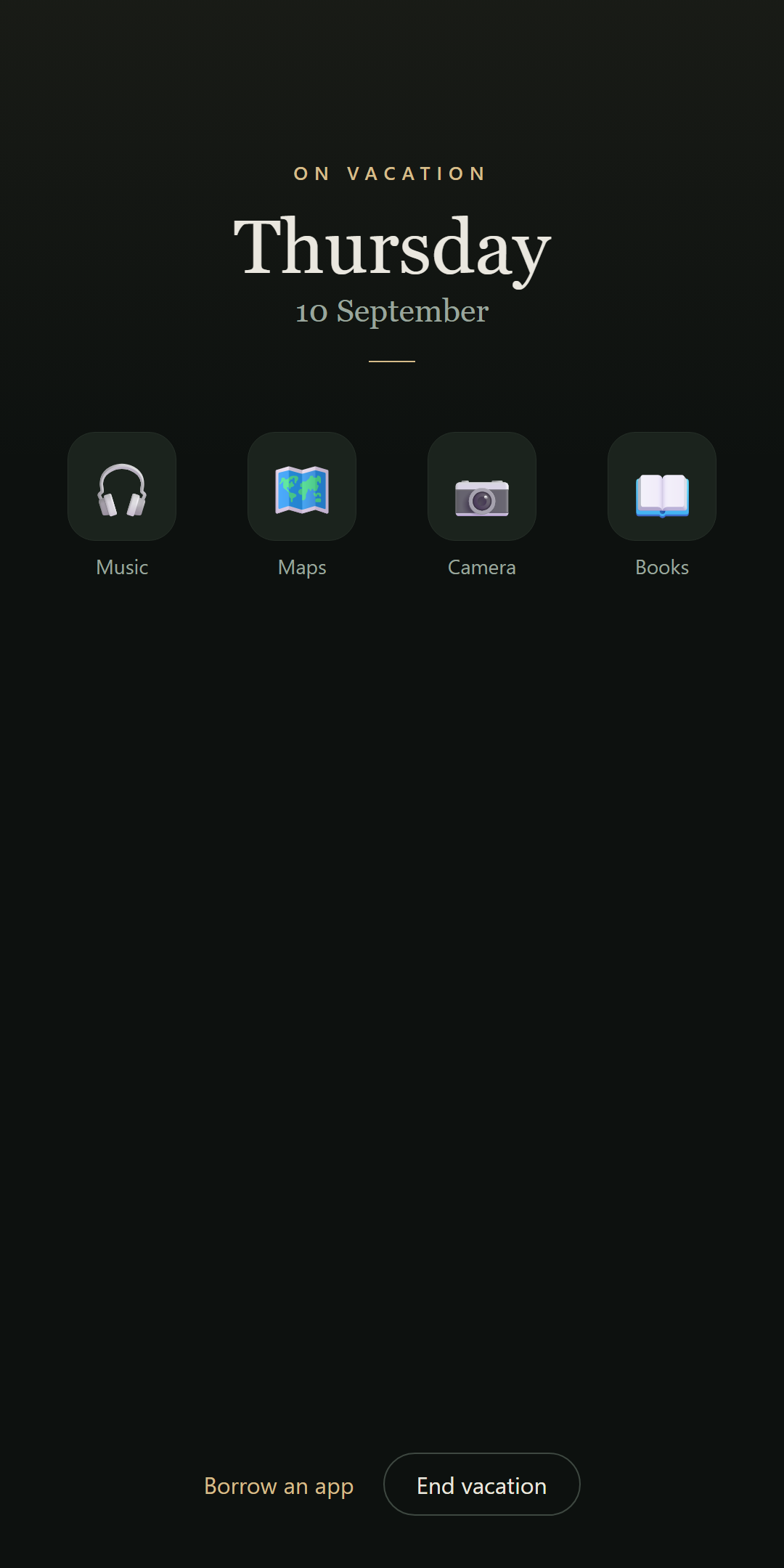
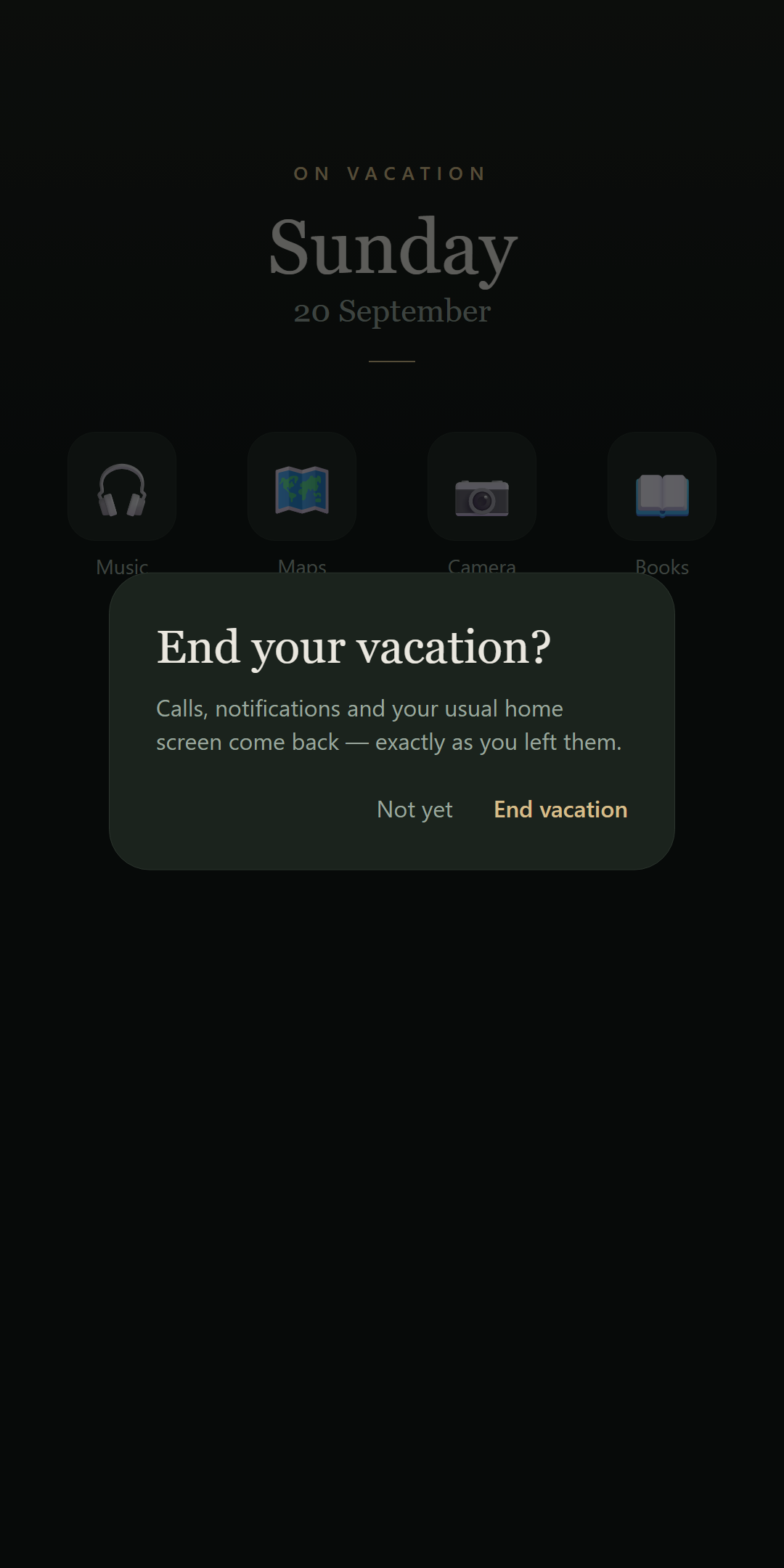
Vacation Mode becomes your launcher and shows only the apps you chose to keep — music, maps, camera. Everything else is out of sight.
Total silence, sensibly
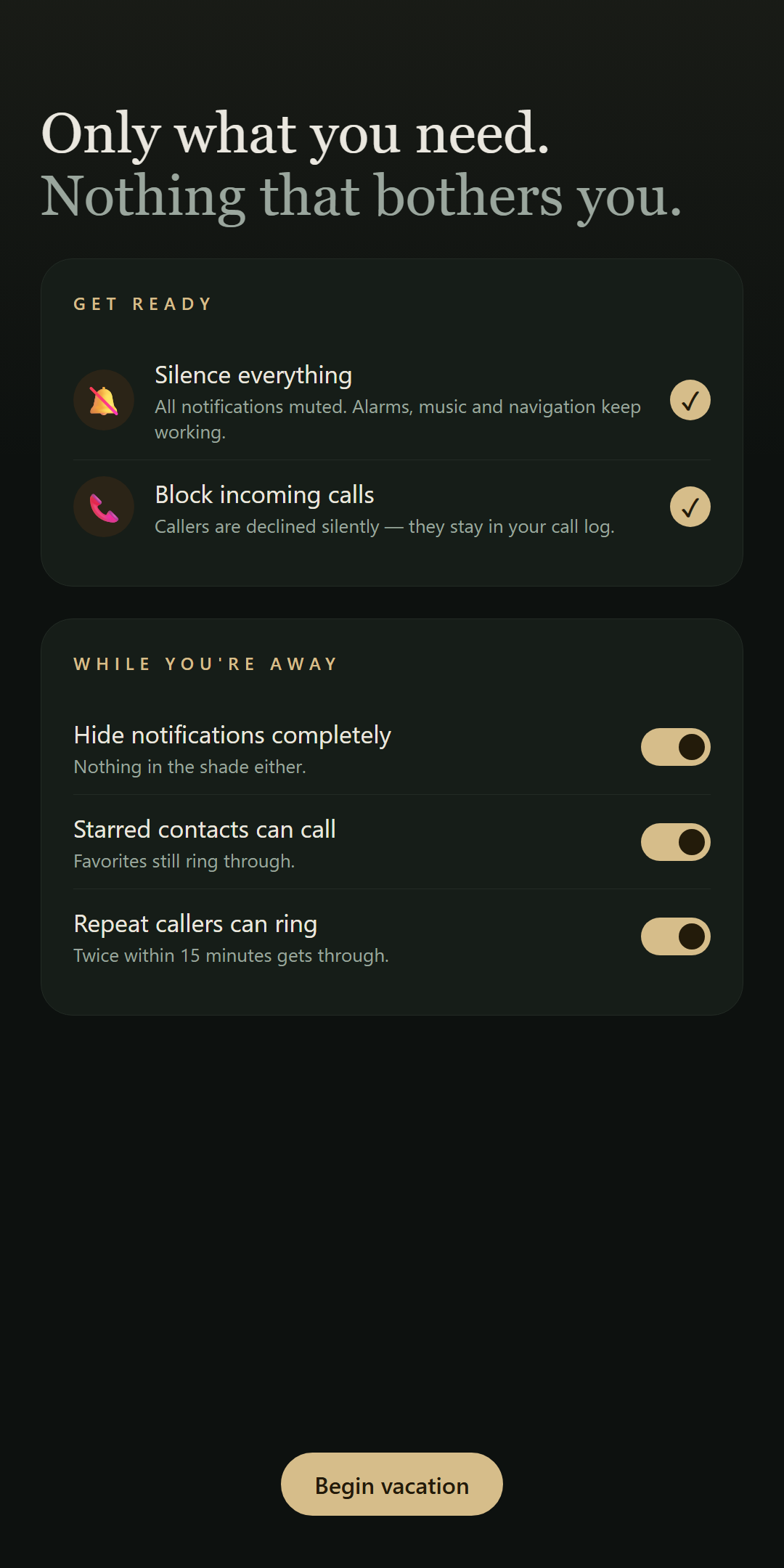
Every notification muted and visually hidden — even the notification shade, if you want. Alarms and media keep working.
Calls, handled
Incoming calls are declined silently and kept in your call log, so you can see who tried once you're back.
Emergency-proof
Starred contacts always ring through. So does anyone who calls twice within 15 minutes. Real emergencies reach you; nothing else does.
Borrow an app
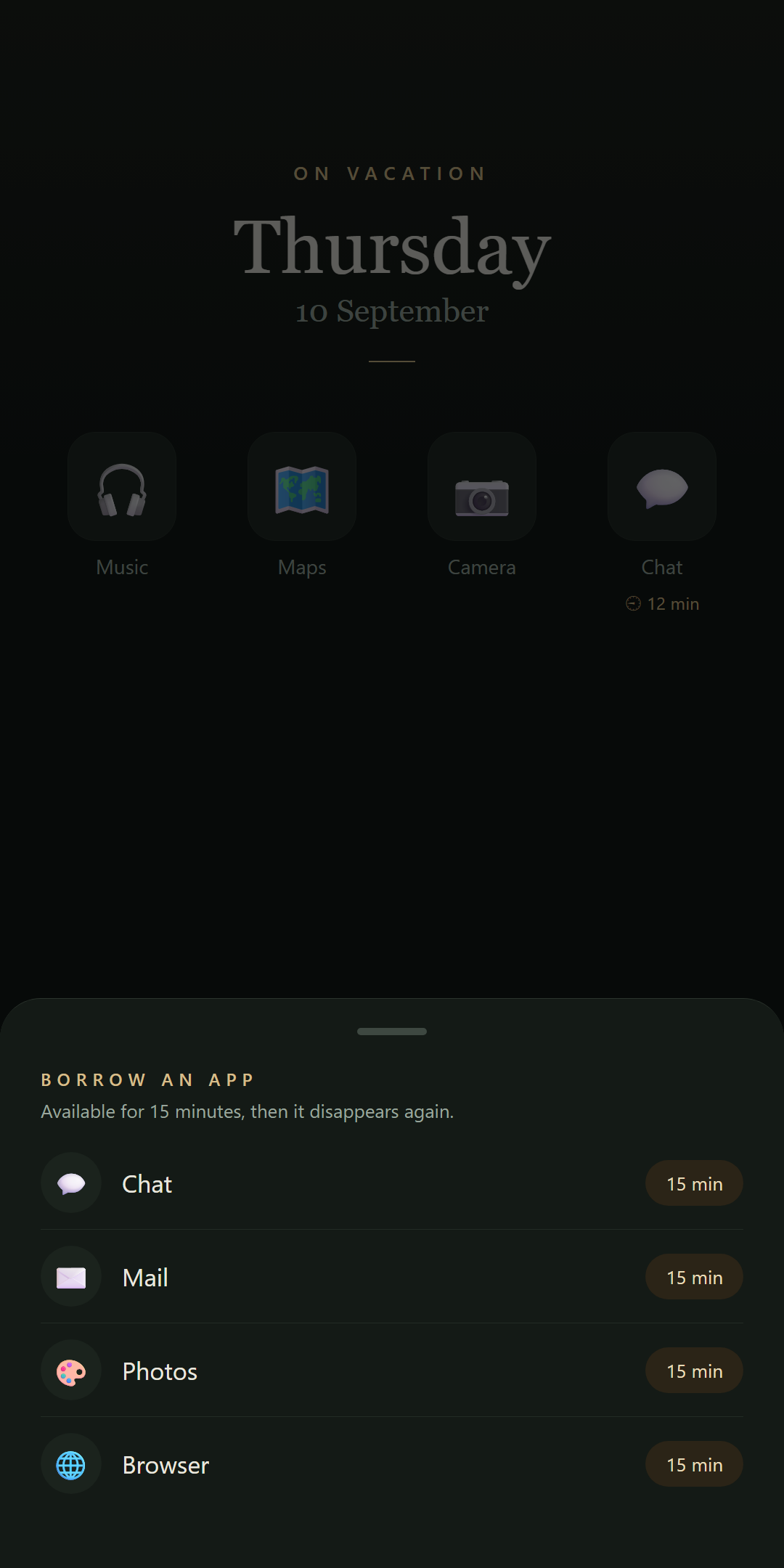
Need your messenger for a moment? Borrow it for 5–60 minutes. It shows up with a countdown and disappears again by itself.
One tap back
Ending your vacation restores your launcher, your notifications and your exact Do Not Disturb settings. As if nothing happened.
Looks like a holiday feels.
Nothing leaves your phone.
No internet permission. No accounts, no analytics, no ads, no tracking. Everything the app knows stays on your device — which makes the privacy policy refreshingly short.
Asked & answered.
Will my alarm still go off?
Yes. Alarms and media are deliberately left alone — your morning flight is safe, your music keeps playing, and navigation keeps talking.
What if there's a real emergency?
Two safety valves are on by default: contacts you've starred as favorites always ring through, and anyone who calls twice within 15 minutes gets through too. Everyone else waits until you're back.
What do callers experience?
Their call is declined silently — no ringing on your side, and the call is kept in your call log so you can see who tried while you were away.
Do my messages get deleted?
No. Texts and app messages arrive silently and invisibly, and are waiting for you — all at once, when you choose to look.
What happens when I end my vacation?
One tap restores your usual home screen, your notifications and your exact Do Not Disturb configuration. There is nothing to set back up.
Is this a parental-control or app-blocking tool?
No — it hides and silences rather than locks. It's a "don't bother me" tool for adults who want their attention back, not a lock for someone else's phone.